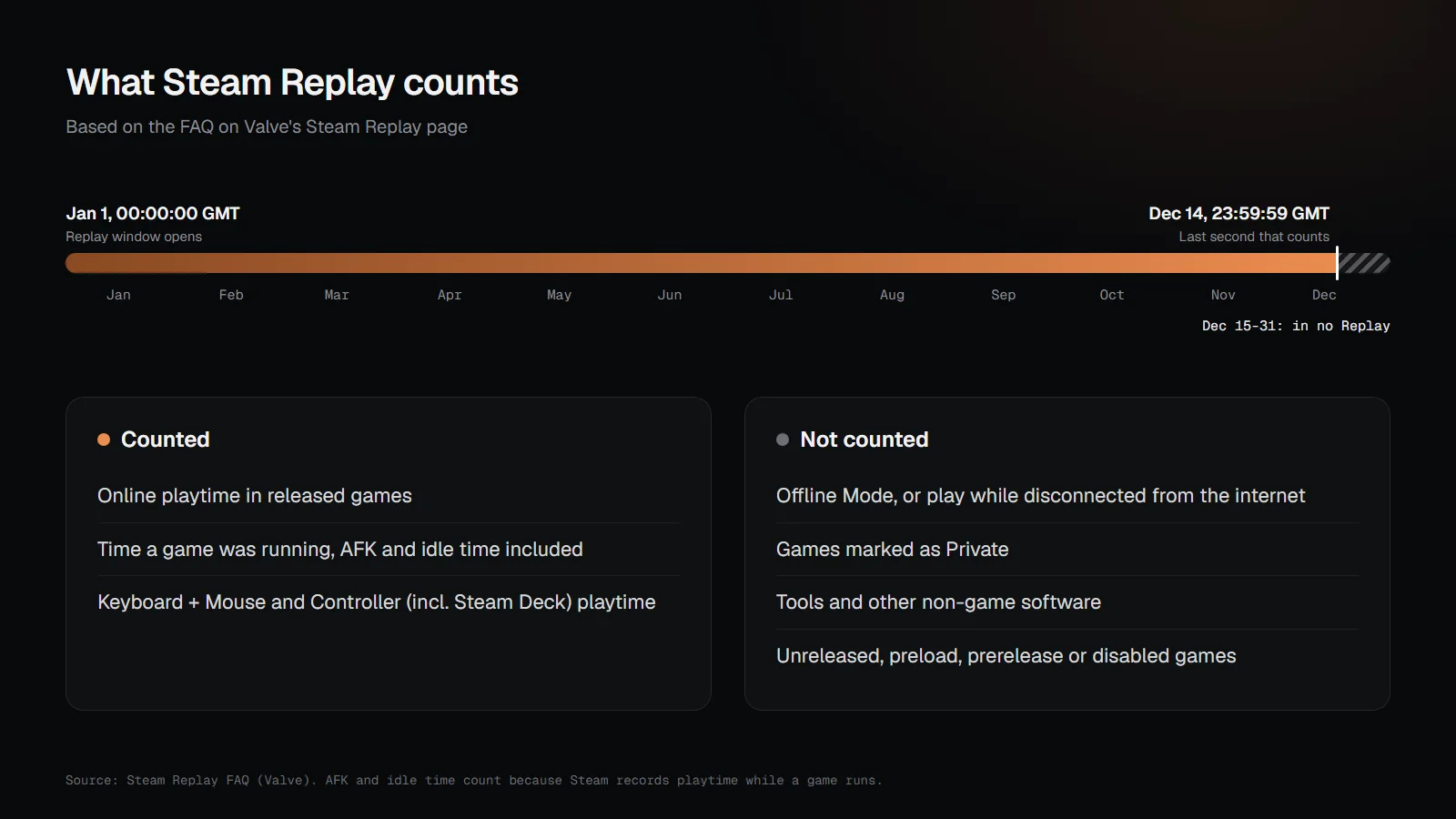
Steam Replay is Valve's yearly recap of what you played on Steam. It counts your online playtime from the first second of January 1 to the last second of December 14 (GMT), and leaves out Offline Mode, games marked as Private, tools and unreleased games. Valve usually releases it in mid-December. Steam Replay 2026 hasn't been announced yet, and nothing played after December 14 makes it into that year's Replay.
What is Steam Replay?
Steam Replay is a personal page that sums up your year on Steam: your most-played games, total hours, sessions, achievements, your longest daily streak and how your playtime split across months and devices. Valve launched it in 2022, renamed it "Steam Year in Review" for 2023, and went back to Steam Replay in 2024, when it added "playtime by month; playtime by what you played on; even playtime across your Steam Family."
You'll find it at store.steampowered.com/replay once it's live. Valve also emails a link and adds Replay to the drop-down menu under your username in Steam, according to its 2023 announcement. You can switch between years on the page.
When does Steam Replay come out?
Valve has released Steam Replay in mid-December every year. The 2023 and 2024 editions both went live on December 18, going by Valve's announcements, and GamingOnLinux reported the 2025 edition live on December 17, 2025. As of November 16, 2026, Valve hasn't announced a date for Steam Replay 2026, and Replay isn't on Steamworks' upcoming events list. The Steam Winter Sale starts on December 17, 2026, and Replay has landed within a day or two of the Winter Sale before.
When does Steam Replay stop counting?
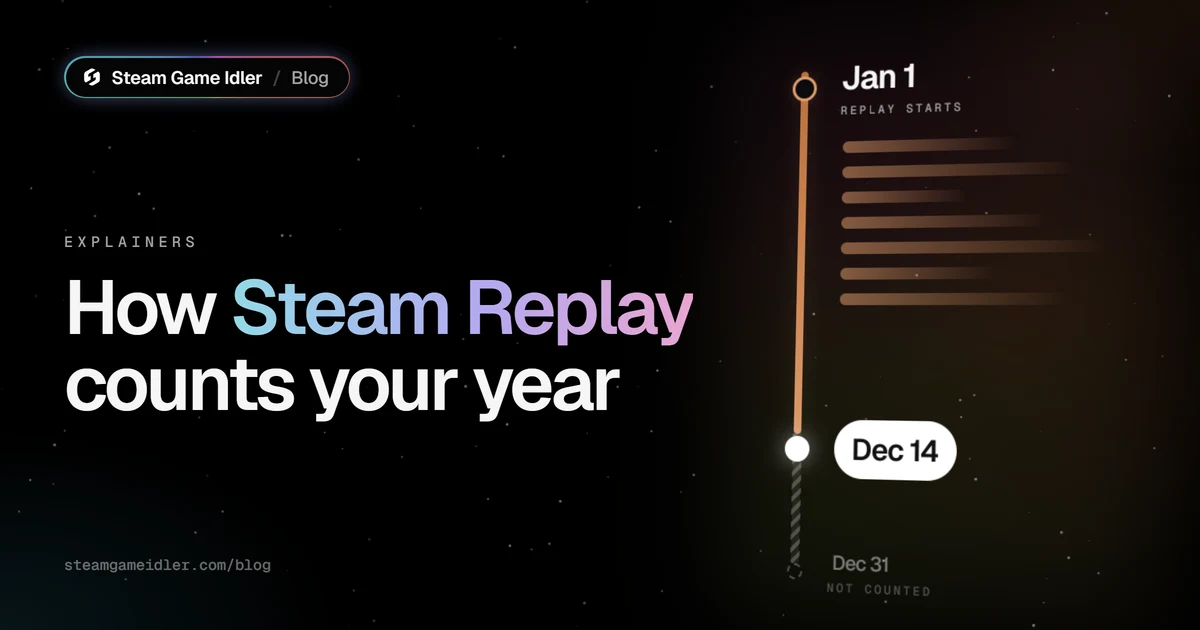
Steam Replay stops counting at the end of December 14. The FAQ on Valve's Replay page says Steam Replay "includes all of your play time between the first second of January 1 and the last second of December 14 (GMT)."
Two details trip people up:
- The cutoff is GMT, not your local time. In the Americas, December 14 GMT ends on the afternoon or evening of December 14. In much of Asia and Oceania, it ends on December 15 local time.
- The last two weeks of December aren't counted anywhere. Each Replay starts on January 1, so by Valve's own wording, playtime from December 15 to 31 isn't in that year's Replay or the next one.
What Steam Replay counts and leaves out
Steam Replay uses the same playtime Steam records for your library, with a few exclusions. Every "Not counted" row below comes from the FAQ on Valve's Replay page.
| Playtime | In your Replay? | What Valve says |
|---|---|---|
| Online play in a released game | Yes | "all of your play time" in the date window |
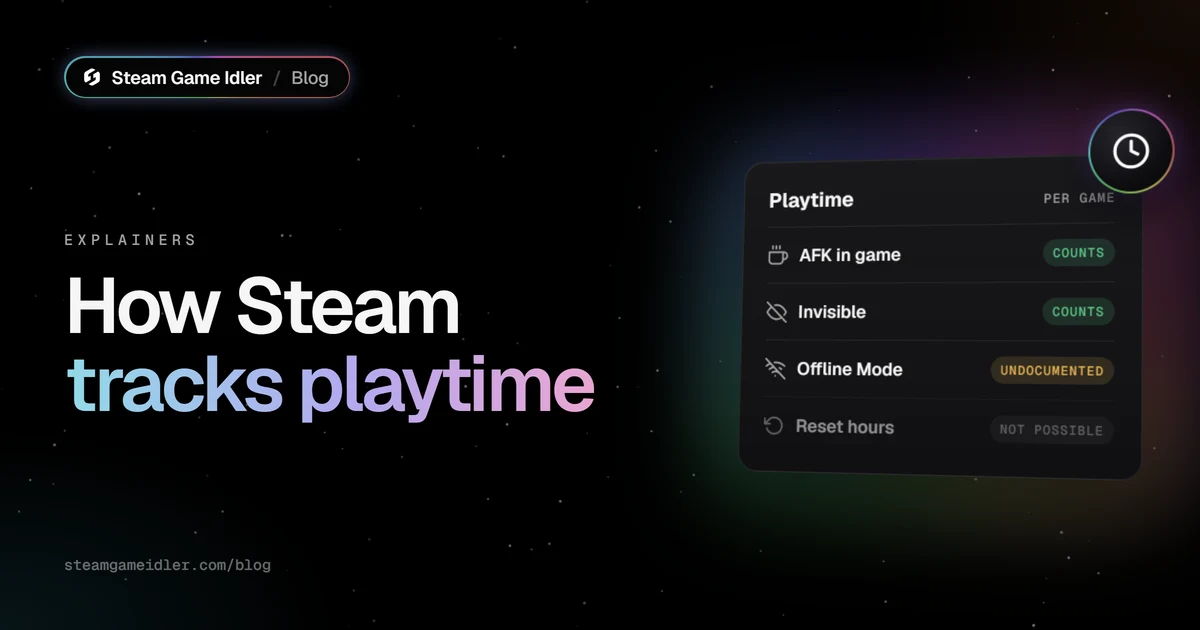
| AFK, paused or idled time | Yes | Steam records playtime while a game runs (how Steam tracks playtime) |
| Offline Mode | No | "does not include any playtime played in offline mode or when disconnected from internet" |
| Games marked as Private | No | "Games marked as Private are not included and will not appear in your Replay" |
| Tools and non-game software | No | "excludes time spent running tools and other types of non-game software" |
| Unreleased, preload or prerelease games | No | also excludes games "that are unreleased, in preload, in prelease, or disabled" |
| Play after December 14 (GMT) | No | outside the date window |
Replay also splits your playtime by input. Valve defines "Keyboard + Mouse" as "playtime on PC, Mac, or Linux without an active Controller being used," and "Controller" as "playtime with an active Controller being used, or playtime on a Steam Deck."
Offline Mode time
Offline Mode play never reaches Replay. That's clearer than Steam's own Offline Mode FAQ, which doesn't mention playtime at all. If you play a lot with Steam set to Offline Mode, or on a PC or Steam Deck without internet, expect those games to look smaller in your Replay than in your library.
Private games
A game you've marked as Private doesn't appear in your Replay. The Replay page's text holds two versions of this answer, and one is more specific about timing: Replay "excludes any app marked as private as of December 14th." So a game's privacy at the cutoff is what decides it. Valve doesn't say whether changing a game's privacy after December 14 changes a Replay that's already been made. Steam Community threads report mixed results, so set privacy before the cutoff.
To mark a game as private, right-click it in your Steam library and open Manage. Private games have side effects: Steam hides the game's ownership, playtime and activity from everyone else, and the game doesn't drop trading cards while it's private, as we covered in how to hide Steam achievements.
Why is a game missing from my Steam Replay?
When a game you played isn't in your Replay, or shows fewer hours than you expected, it's usually one of these:
- You played it after December 14 (GMT). That time is outside the window.
- You played it in Offline Mode or without internet.
- It's marked as Private in your library.
- It's a tool, a demo of an unreleased game, or a prerelease build. Valve excludes "unreleased, in preload, in prelease, or disabled" games.
- The account had no playtime in the year. Replay then shows "Sorry, this account does not have any playtime this year."
If none of these fit, Steam Community threads from past years report occasional gaps that Valve never explained. There's no setting to rebuild a Replay.
Who can see your Steam Replay?
Your Replay page has its own visibility setting: Private, Friends Only or Public. A link only works for other people once you choose Friends Only or Public. Valve's FAQ lists three ways to share it: share the page's URL, share a summary image (in three sizes for different social sites), or add a Steam Replay showcase to your profile.
There's one exception to keeping it private. Valve's FAQ says "all adult members in a Steam Family can automatically access the Steam Replay for other members of the Steam Family. Child members do not have any special access privilege." If you're in a Steam Family, the adults in it can see your Replay whatever its visibility is set to.
The Steam Replay badge
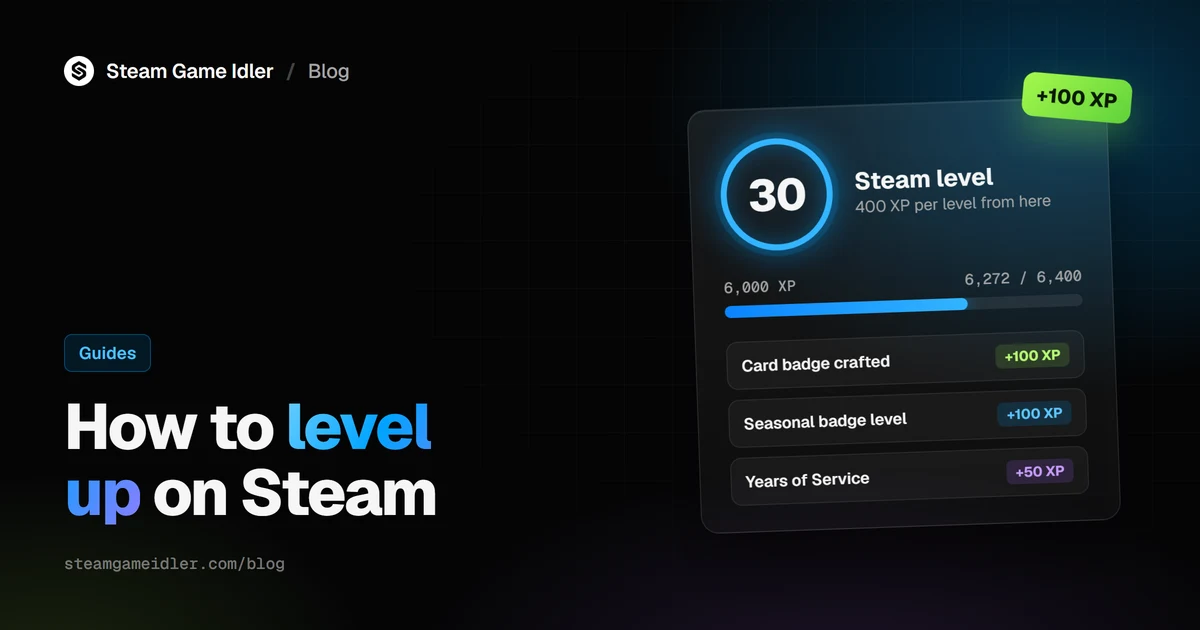
Opening your Replay earns a yearly badge worth 50 XP. The page shows an Add Badge To Profile button. It's one of the few free sources of Steam XP, along with Years of Service and the Steam Awards. How to level up on Steam lists the others.
What this means for Steam Game Idler
Hours you idle with Steam Game Idler count in your Steam Replay like any other playtime. The Playtime Booster, card farming and the achievement unlocker all work by telling Steam a game is running. With Steam Sign-in, the app announces up to 32 games at once straight to Steam's servers. With Local Sign-in, it runs one small process per game through your own Steam client. Either way Steam records ordinary online playtime, and Valve's FAQ lists no exception for it.
So if you idle a lot, expect it to shape your Replay: idled games in your top games, more total hours, and possibly a longer daily streak. If you'd rather keep a game out, mark it as Private before the December 14 cutoff. Keep the trade-off in mind: a private game doesn't drop trading cards, so it's a poor choice for a game you're farming cards on. A private game can also be missing from Steam Game Idler's own games list, because the app reads your library the way other tools do.
To limit how much time a game gets in the first place, use the Max playtime or Max idle time setting on that game. And remember the cutoff: anything you idle from December 15 to 31 is outside every Replay. Download Steam Game Idler to try the Playtime Booster.
FAQ
When does Steam Replay 2026 come out?
Valve hasn't announced it yet. Past editions went live on December 18 in 2023 and 2024, and around December 16 to 17 in 2025, so mid-December 2026 is likely but not confirmed.
When does Steam Replay stop tracking?
At the last second of December 14 (GMT). Valve's Replay FAQ says it "includes all of your play time between the first second of January 1 and the last second of December 14 (GMT)."
Does Steam Replay count December?
Only December 1 to 14. Playtime from December 15 to 31 isn't in that year's Replay, and the next year's Replay starts on January 1.
Does Steam Replay count offline hours?
No. Valve's FAQ says Steam Replay "does not include any playtime played in offline mode or when disconnected from internet."
Does Steam Replay show private games?
No. Games marked as Private "are not included and will not appear in your Replay," according to Valve's FAQ. What matters is whether the game is private on December 14.
How do I make my Steam Replay private?
Set the page's visibility to Private at the top of your Replay. Adult members of your Steam Family can still see it, because Valve gives them access automatically.
How do I get the Steam Replay badge?
Open your Steam Replay once it's live and use the Add Badge To Profile button. The badge is worth 50 XP.
Do idled hours show up in Steam Replay?
Yes. Idling tools tell Steam a game is running, and Steam records that as normal online playtime, the same playtime Replay sums up. Mark a game as Private before December 14 to keep it out, but it won't drop trading cards while it's private.
Sources
- Valve, Steam Replay FAQ, from the Replay page's text as archived by SteamTracking, accessed November 16, 2026.
- Valve, Announcing: Steam Replay, December 2022.
- Valve, Your 2023 Steam Year in Review is here!, December 18, 2023.
- Valve, Your 2024 Steam Replay is here!, December 18, 2024.
- GamingOnLinux, Steam Replay is live, December 17, 2025.
- Steamworks, Upcoming events, accessed November 16, 2026.
- Valve, Shopping Cart updates and Private Games, December 21, 2023.
- Steam Support, Offline Mode, accessed November 16, 2026.
- Playtime
- Badges
Creator and maintainer of Steam Game Idler.